How to Watch Movies or Listen to Music with Your USB Drive

How to Watch Movies or Listen to Music with Your USB Drive

June 25, 2020

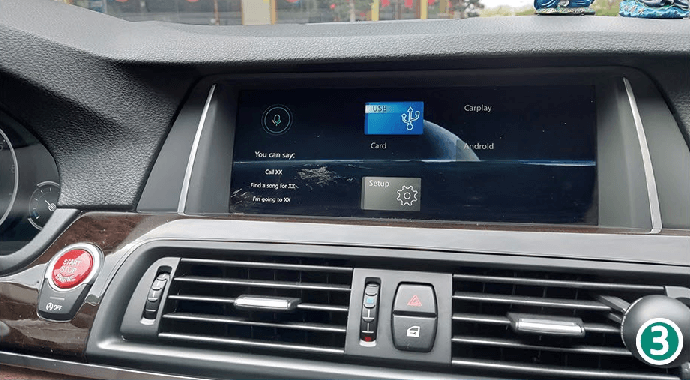
1. Go to the main menu of the CarPlay Smart Box system.
How to watch movies or listen to music with a USB player after installing the CarPlay Smart Box

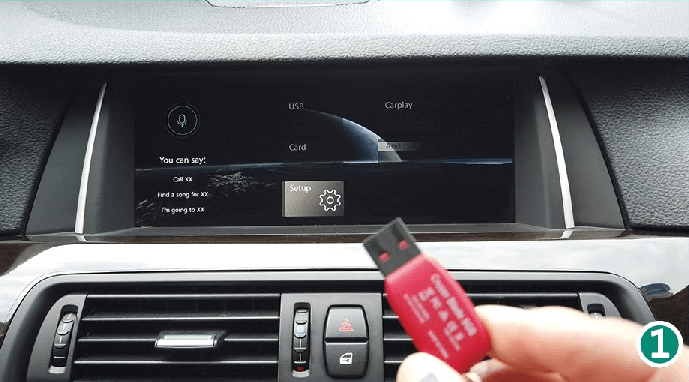
2. Insert the USB stick into the USB cable of the CarPlay Smart Box kit.
How to watch movies or listen to music with a USB player after installing the CarPlay Smart Box

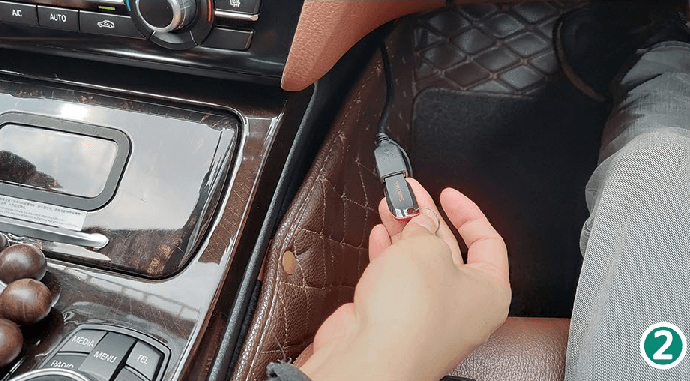
3. The USB icon will light up.

How to watch movies or listen to music with a USB player after installing the CarPlay Smart Box

4. Scan pictures, play music and HD videos.
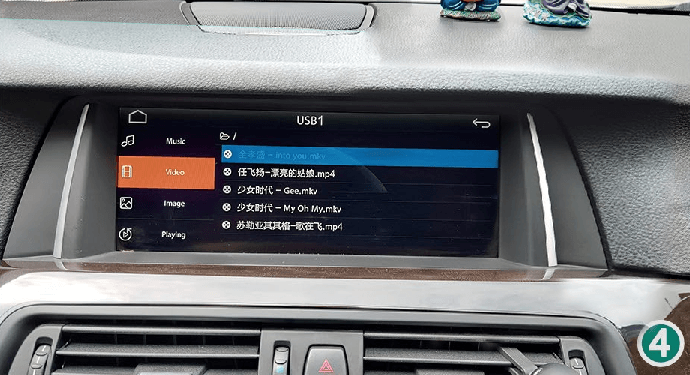
How to watch movies or listen to music with a USB player after installing the CarPlay Smart Box

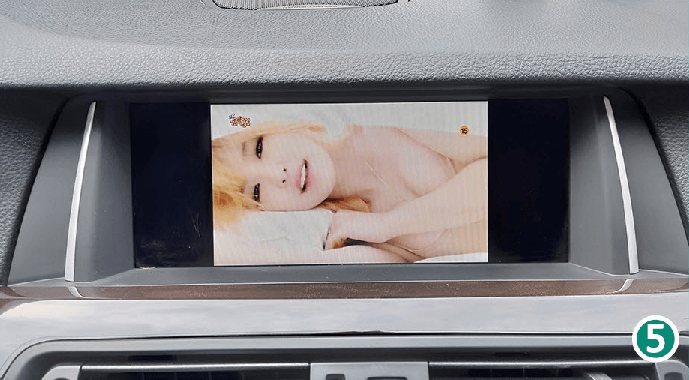
5. HD video playback. (Please do not play videos while driving!)
How to watch movies or listen to music with a USB player after installing the CarPlay Smart Box

RELATED ARTICLES

Sidebar