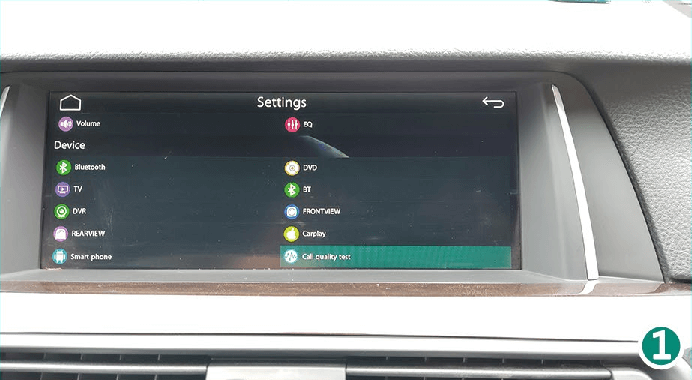
1. Main Menu - Press the car brand icon


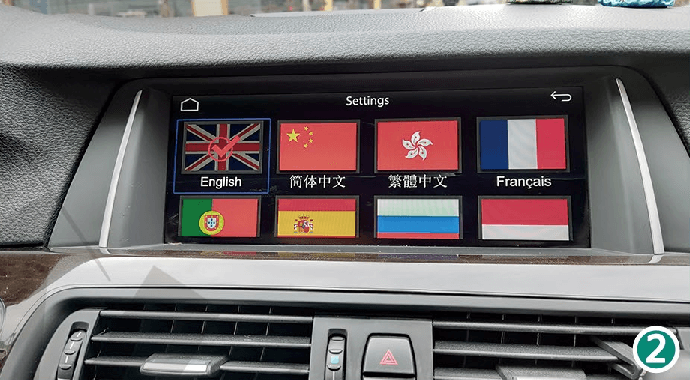
2. Language - 11 different languages available
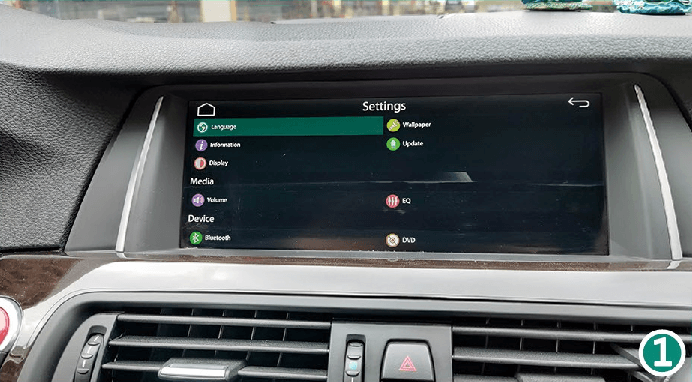
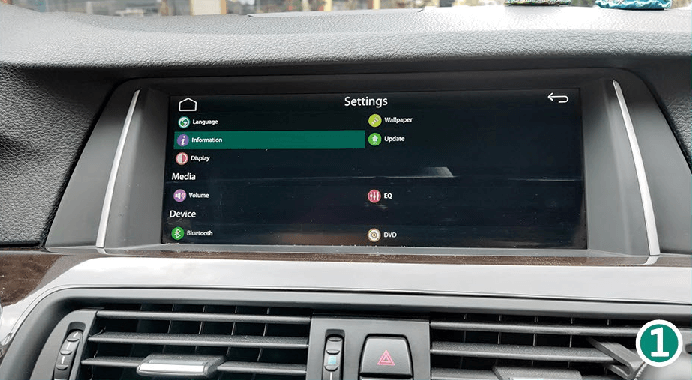
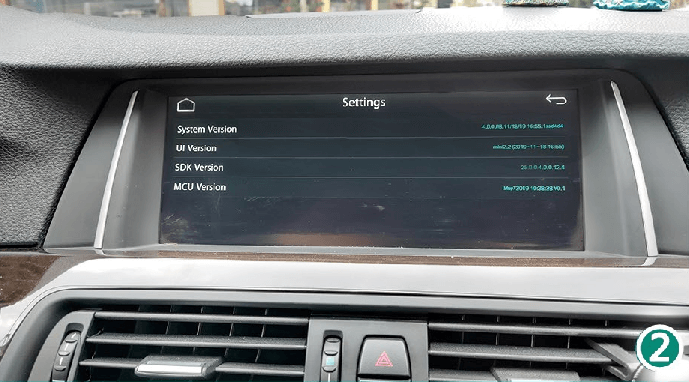
3. Information - CarPlay Smart Box System Version
-
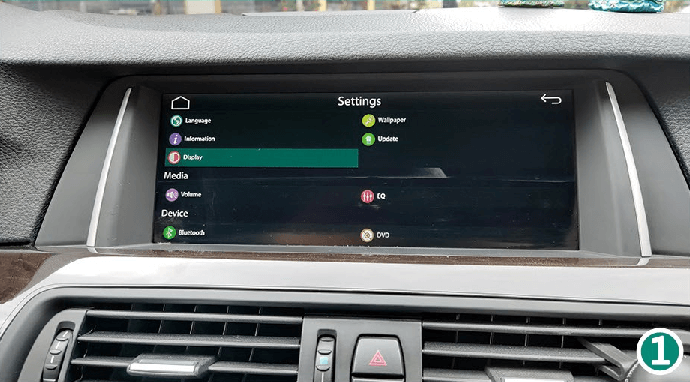
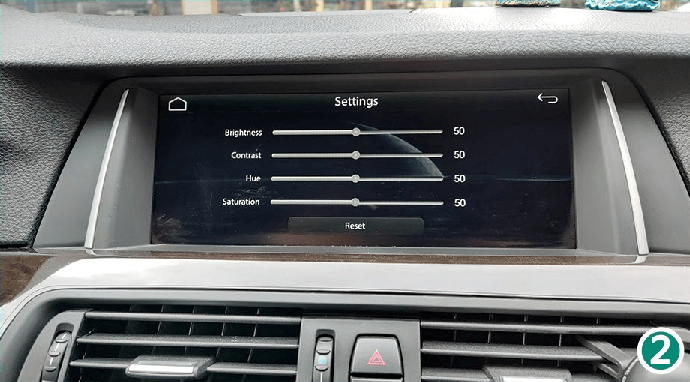
4. Display - Screen brightness settings
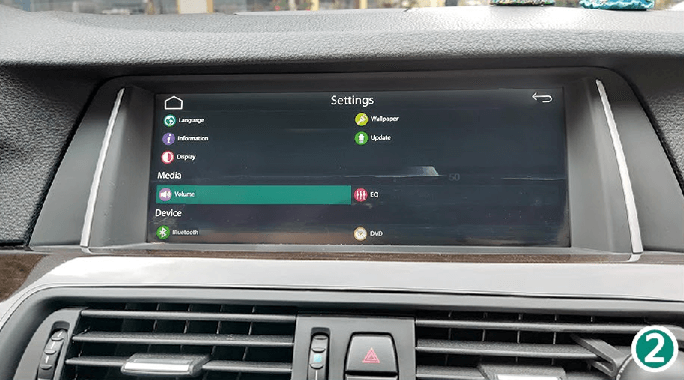
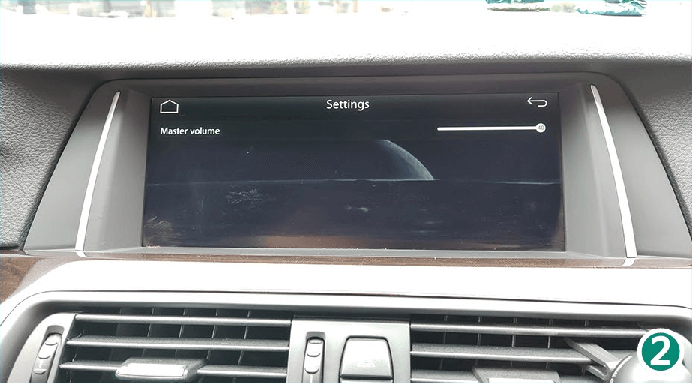
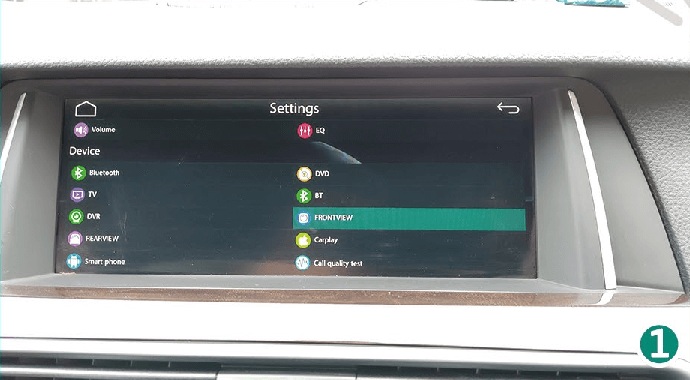
5. Volume - Settings for the main system volume
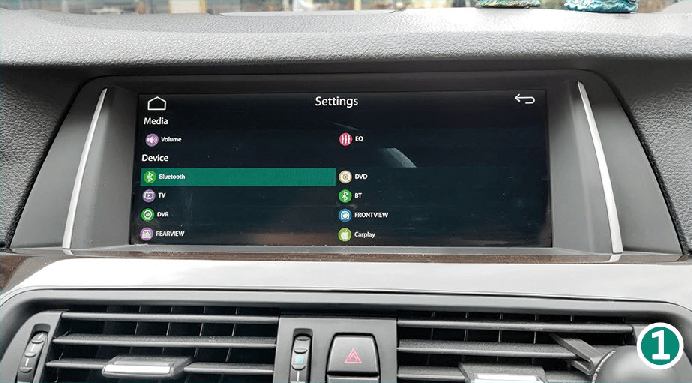
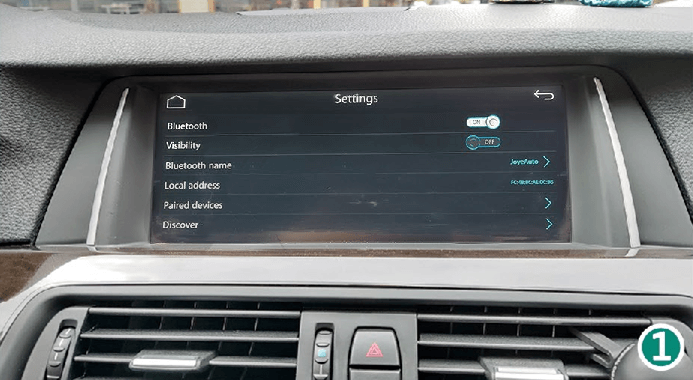
6. Bluetooth - Pairing for wireless connection with your phone
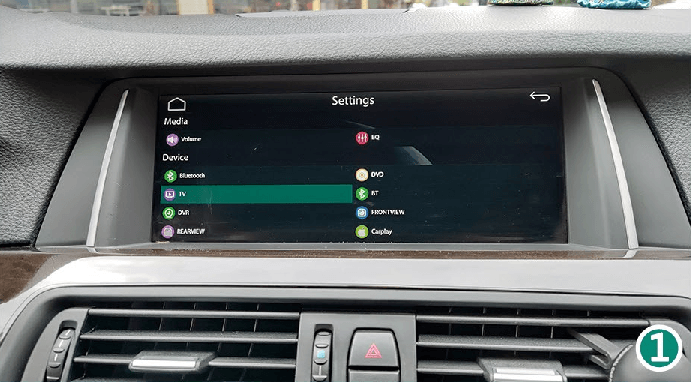
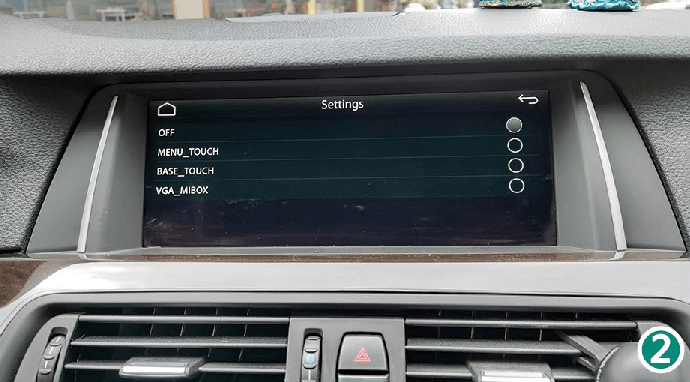
7. TV - For future expansions. Turn it off.
-
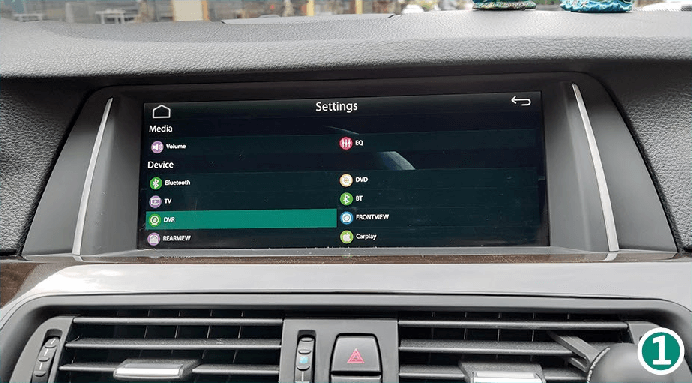
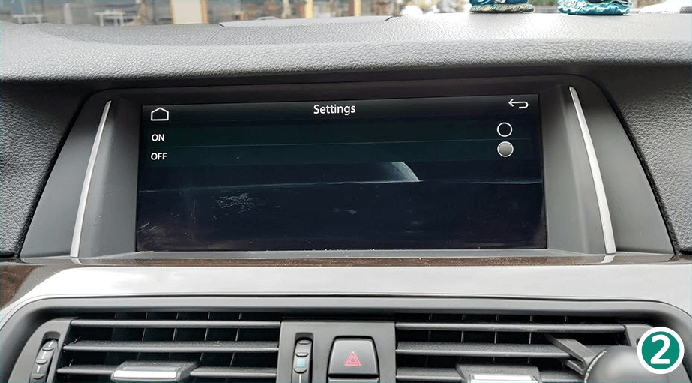
8. DVR - For future expansions. Turn it off.
9. REARVIEW - Select the guidelines for the aftermarket camera
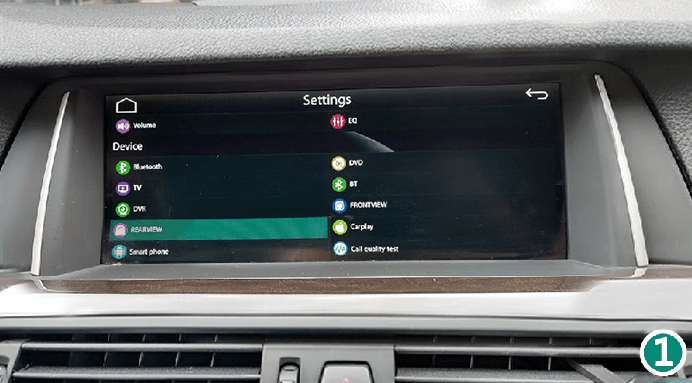
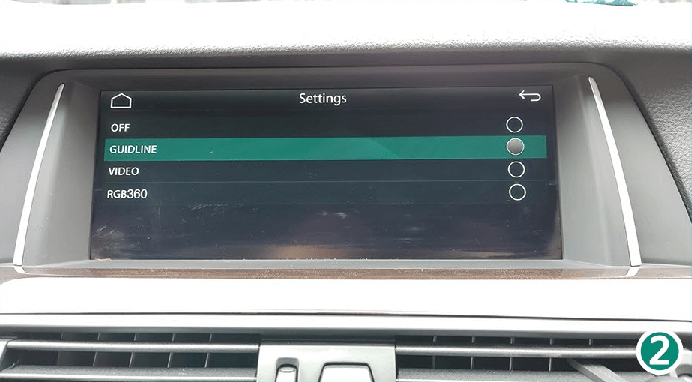
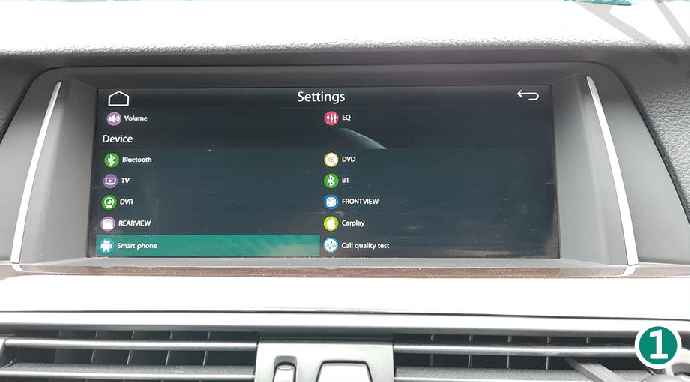
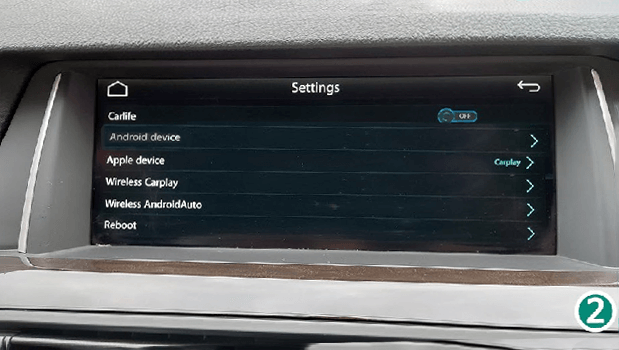
10. Smartphone - For function options and system restart
11. Background - Settings for background options
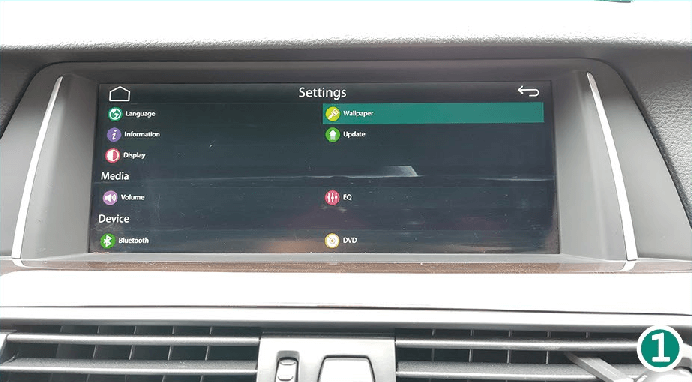
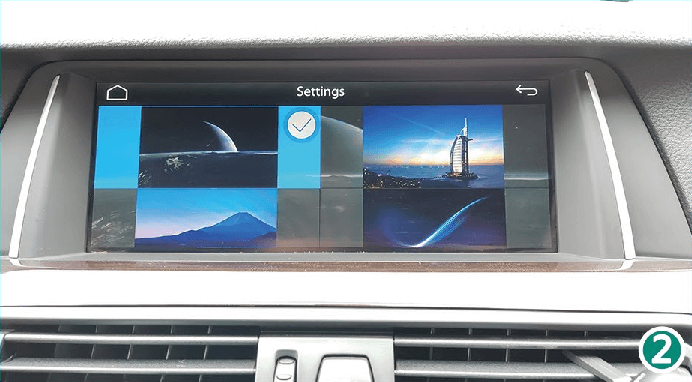
-
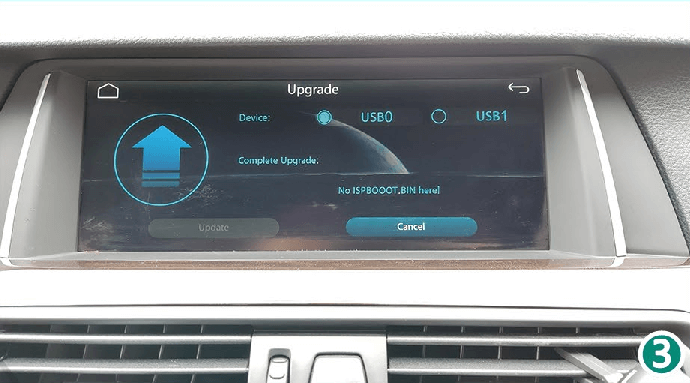
12. Update - To update the CarPlay Smart Box system
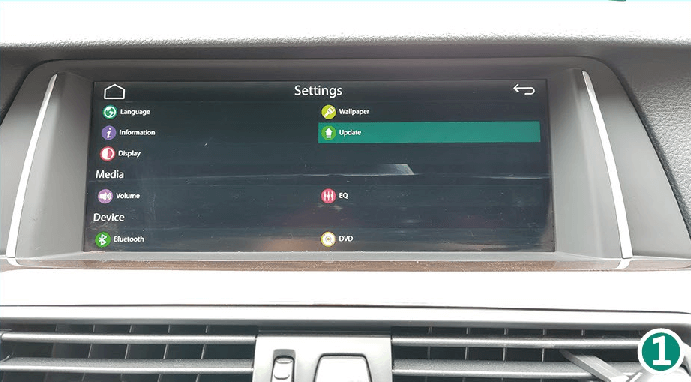
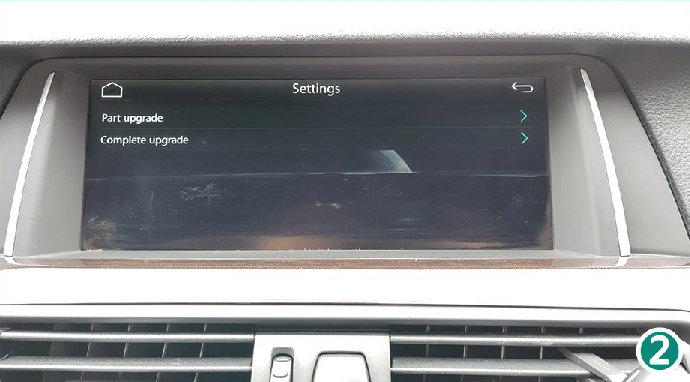
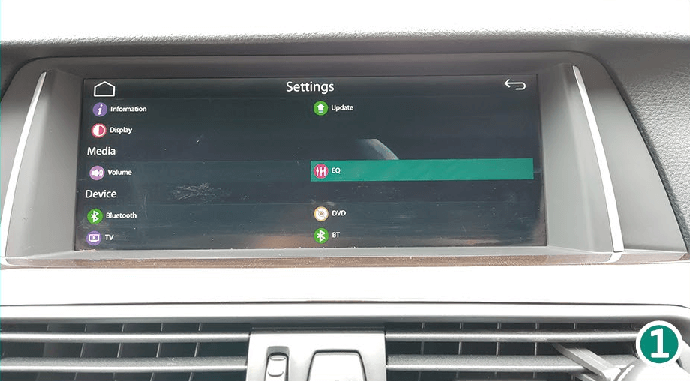
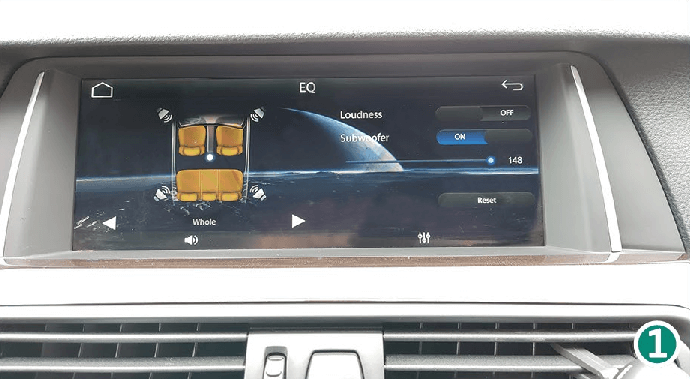
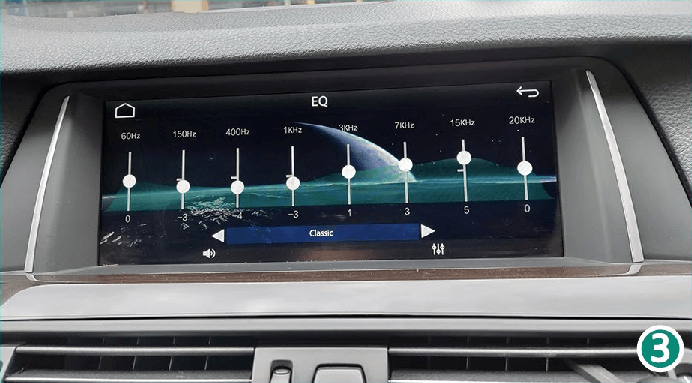
13. EQ - Audio quality settings for media playback
-
14. DVD - For future expansion. Turn it off.
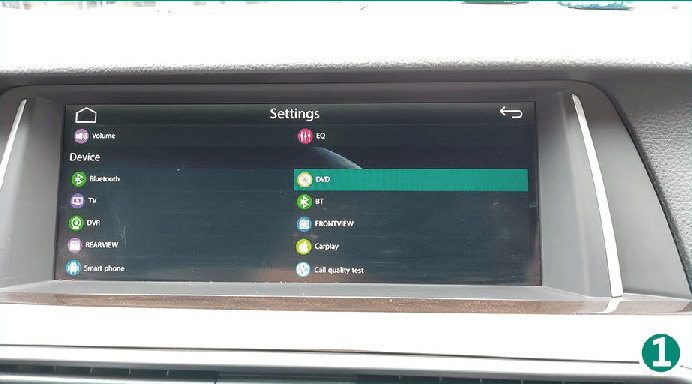
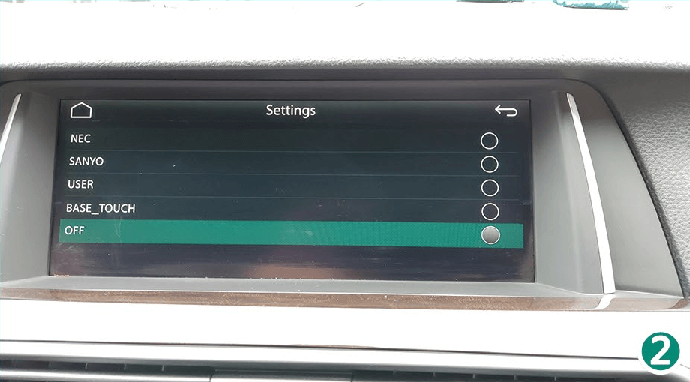
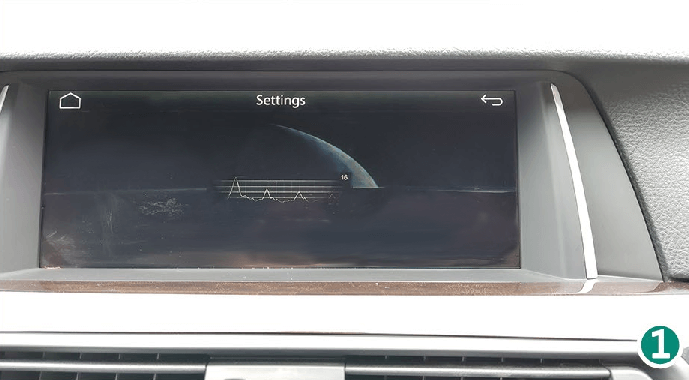
15. BT - No function. Turn it off.
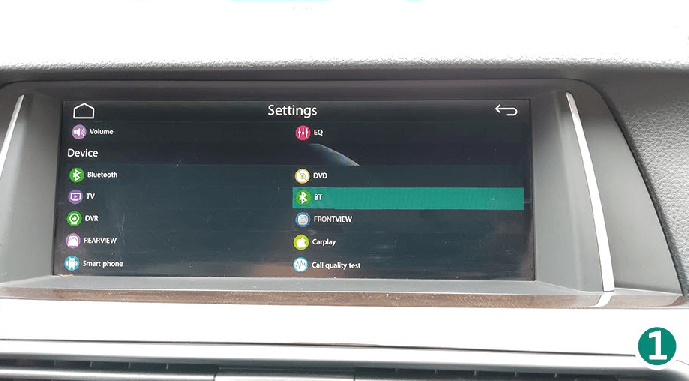
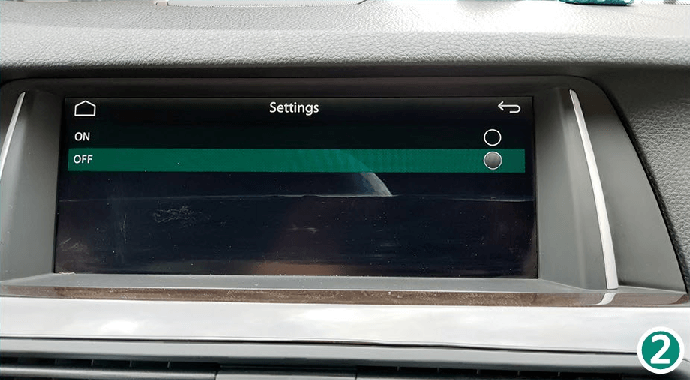
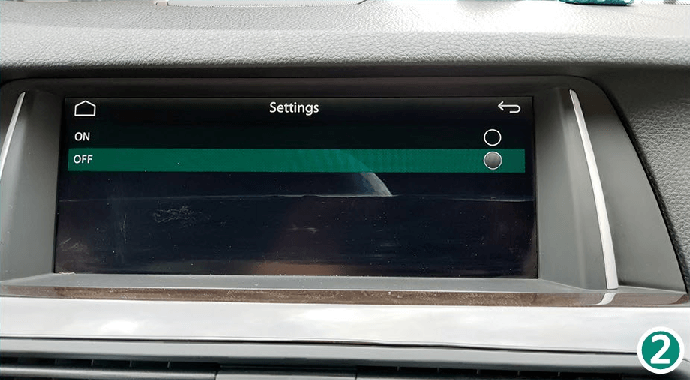
16. FRONT VIEW - Turn it off.
-
17. CarPlay - Enter the password "1123", select the car brand icon and the CarPlay menu for vehicles on the left (RHD)


18. Call Quality Test - Settings for telephone call quality