
Aoocci Auto Service Center | Download Firmware & Manuals

Aoocci Auto Service Center | Download Firmware & Manuals
Car & Truck Support
Downloads, drivers, and guides for Aoocci automotive products.
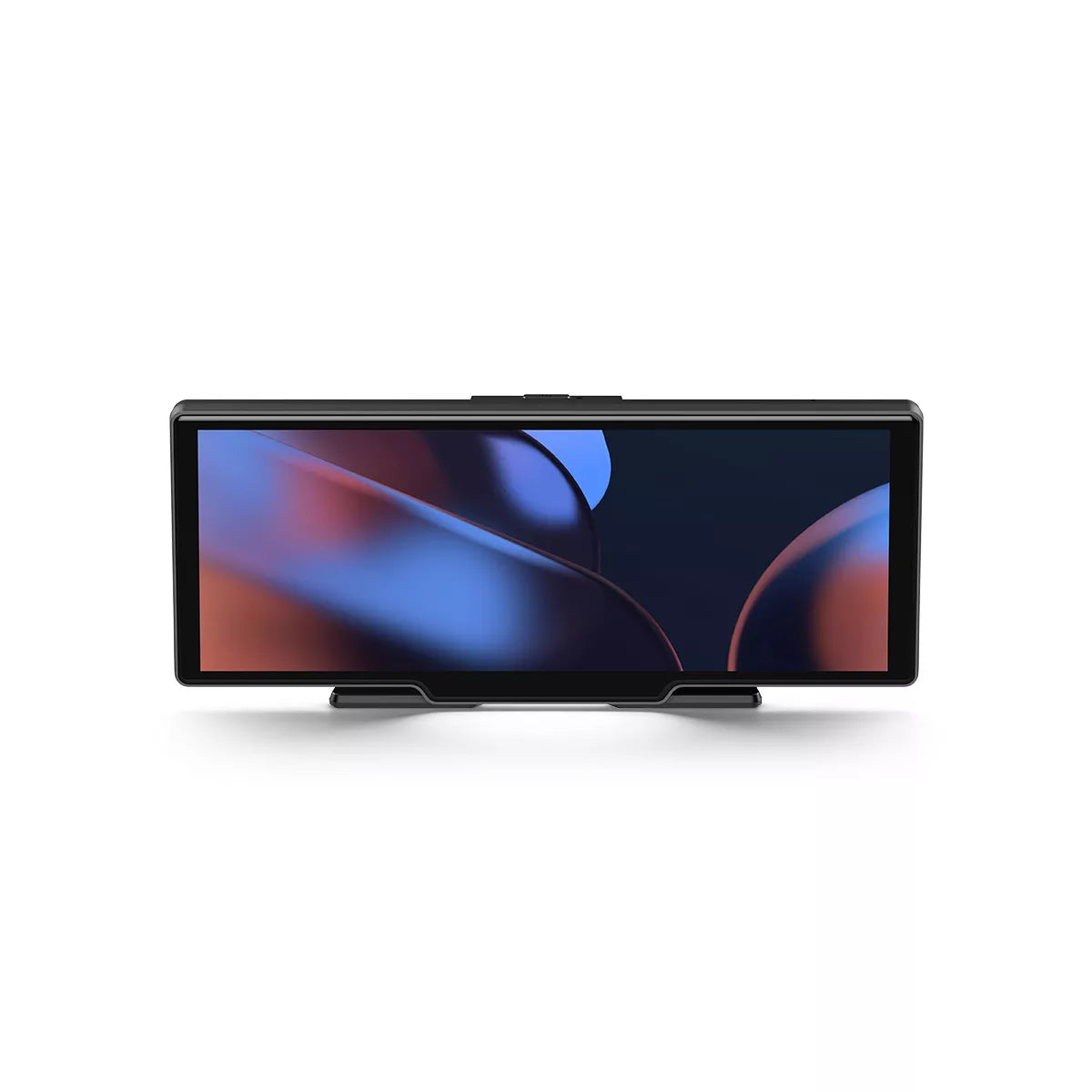
V30
How do I hear audio from my car speakers?
You have three options:
1. AUX Cable: Connect the AUX cable from your device to your car's AUX port (Best Quality).
2. FM Transmitter: Tune your car radio and the device to the same blank FM frequency (e.g. 107.9 MHz).
3. Built-in Speaker: Use the device's own speaker (turn off FM/AUX).
Why do I hear hissing when using FM broadcast?
The hissing is caused by frequency interference. Find a completely blank FM station on your car radio (one that only plays white noise/static) and tune the V30 to the exact same frequency. If possible, we recommend using the AUX cable for clear audio.
CarPlay/Android Auto Wireless won't connect.
1. Make sure Bluetooth and Wi-Fi are turned on on your phone.
2. “Forget” (Dispair) the device from your phone’s Bluetooth settings and try pairing again.
3. Restart your phone and V30 unit.
4. Note: Android Auto requires the "Android Auto" app and a compatible Android phone (Android 11+ recommended).
Does it support 24V power for trucks?
Yes, the included cigarette lighter power adapter typically supports a 12V-24V voltage range, making it safe for use in cars, heavy-duty trucks, and RVs. Always check the label on your specific charger to confirm.