

Wireless-Box, A2A displays 13 languages , including Portuguese, French, German, Hebrew, Russian, Spanish, Swedish, Turkish, Simplified Chinese, Traditional Chinese, Japanese, Korean and English.
On the login page, click the globe icon in the lower right corner.
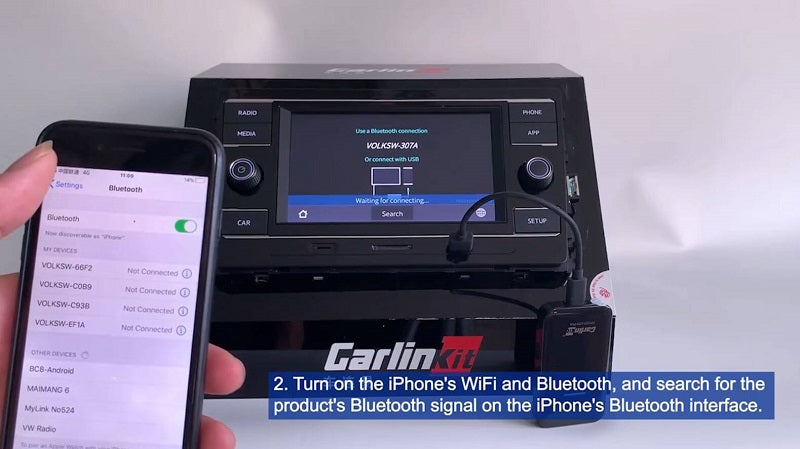
1. Insert the dongle into your car's USB port. Once connected, the screen interface looks like the following image, and you can start connecting to Apple CarPlay.

2. Turn on your iPhone's WiFi and Bluetooth , but don't connect to any devices initially. Check for the product's Bluetooth signal in your iPhone's or car's Bluetooth interface.

3. Click the globe button in the lower right corner to change the dongle's language.


