

Note: Please install the APK before using it.
Check the following points:
1. Usually, your car has two USB ports; you can try both.
2. Open the APK first, then insert the product. Check if it's recognized. The mobile phone data cable must be original or of good quality.
3. Open Autokit's settings and select "Software" as the decryption method. Also, select "Weak" as the charging mode (advanced system option).


4. Clear cache partition (Settings → Application → Storage → Clear data)
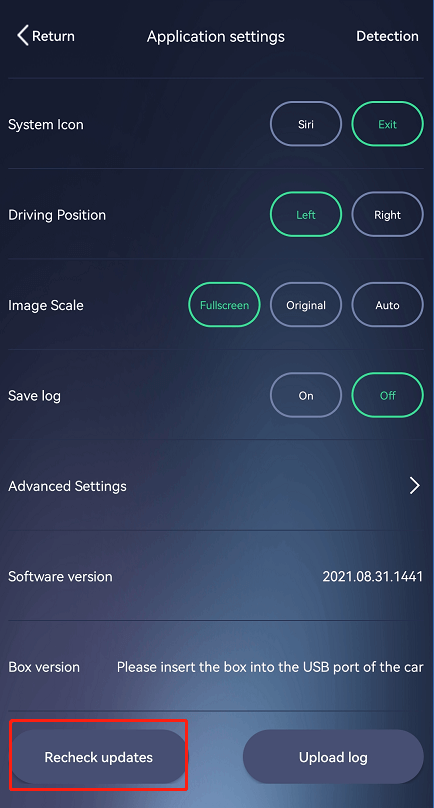
5. Update your APK and AutoKit-Box to the latest version.
6. If the product still doesn't work, please try it with another Android car.
7. Check whether the USB port supports OTG function.


